I guess I should post something... It has been a few years, but I suppose I should post something so here is a video about my truck.
Posted 03/11/2018 08:15 PM in Cars, DIY Link To This Blargh |
View/Add
Comments (0)
This year, God has provided a team for me to serve with. My team from Chicago is made up of:
Phil (myself) from Streamwood, IL
Dan from Chicago, IL
Hilary from Rockford, IL
Hunter from Stevens Point, WI
Amazingly enough, two of the team members I just met this year! I met Hunter in April (I talked about him in my last post about the motorcycle in Florida). I met Hilary this spring at Willow Creek Community Church. And I have known Dan, who goes to my home church, since 1996 when I met him in college. Needless to say, God is wonderful, or as they would say in Japan, subarashi!
Our trip to Japan is from November 8 through November 18. We will be serving alongside 50 other volunteers from states across the US, including Missouri, Florida, Virginia and others. Together we will help my friend John Mehn, Director of the JCPI Conference (and also from Rockford, IL) put on this biennial conference which serves Japanese missionaries and pastors. Our main ministries will be conference setup, administration, and teardown; providing a Vacation Bible School for children; and running the main sessions and workshops of the conference.
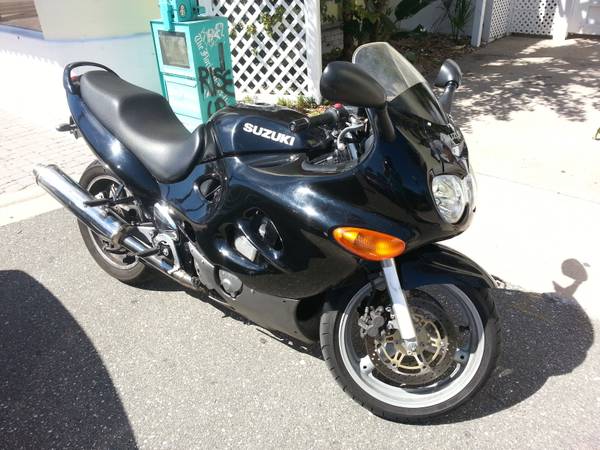
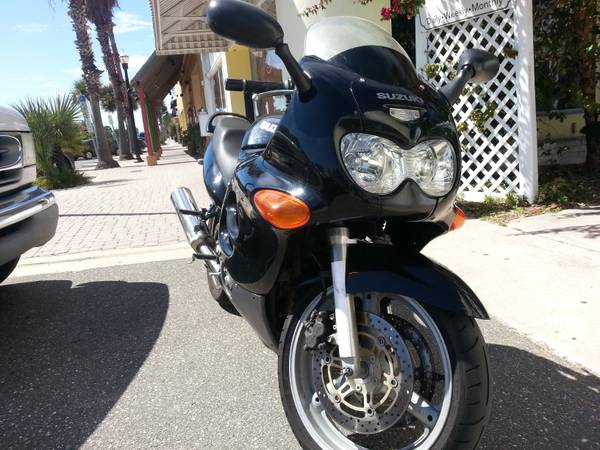
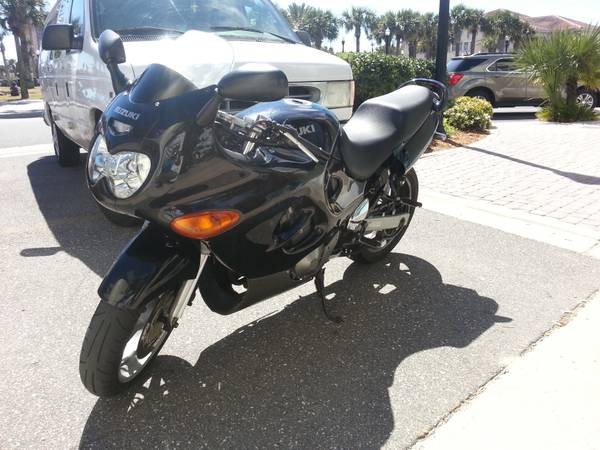
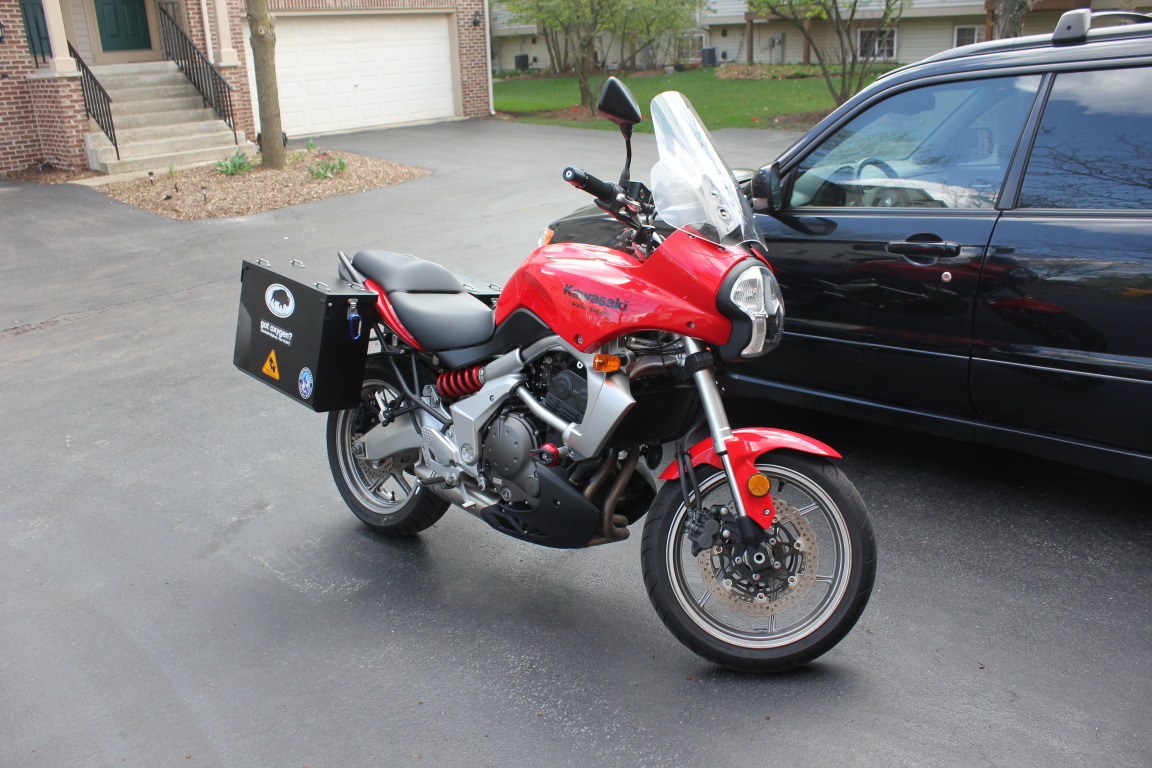
I am extremely thankful to God for making this all happen, but with a team comes more responsibilities and unfortunately, more costs. Typically, I try to finance myself so as not to be a burden on others, but with four people we need help. I have already decided to cover all of our airfare using the frequent flier miles I earned from work, and I have even sold the above motorcycle in Florida to raise money. But we still have a ways to go!
The total cost of our trip so far is $7,426.40. Of this we have raised $4,001.40, which is 53.9%. We are well on our way, but could use additional help.
Interested in supporting our team?
Donations are tax deductible through our 501(c)(3) tax-exempt sending organization:
Impact Japan
God told me to buy a motorcycle It started a couple months ago. I attended Willow Creek and Pastor Bill Hybels gave the 3rd sermon in the Simplify series where he talked about financial reconciliation. After service, he invited anyone who might have the gift of giving to attend a special meeting in the under-construction Care Center. There he talked about the gift of giving and gave us all a set of books to read.
The following week, a guest speaker, Robert Morris, gave the 4th Simplify sermon. It was a great sermon about giving God our first-fruits and how God blesses giving.
Then I went to Florida and conveniently forgot the last two weeks of sermons. I was itching to ride a motorcycle because the weather was so much nicer (i.e. not snowing). I started looking on Craig's List just to see what I could find.
Very quickly I found a 2009 Kawasaki Ninja 250 for a decent price. I texted the guy and arranged to see it in person that day. I was on the verge of making an offer, but then remembered the sermons and the importance of being a good steward with my money. Knowing my tendency to impulse buy things, I decided to sleep on it and get some counsel from friends.
I got a lot of advice: everything from "Go ahead, do it!" to "Maybe you should wait." It was then that I decided that I had to make sure I was financially reconciled. The first thing I did was start reading the books that Pastor Hybels had given me, starting with The Treasure Principle which I thought was very good. Next, I did my taxes, which was the first time I have ever done them in March (instead of the second week in April). Then, I did a review of my accounts and I realized that I had received some money that I had never tithed on.
I decided to set that tithe aside for the purpose of investing in God's Kingdom and started looking for good opportunities. Two immediately presented themselves, but they wouldn't be enough to use it all so I kept looking.
Meanwhile, I was still perusing Craig's List for deals just for fun (there were many that I passed up). Then the night before Easter, one listing stuck out. I don't even remember clicking on it before, but when I opened the browser on my phone it was there from a previous session. But this time, the post stuck out to me: "Selling my 99 GSX Katana 600 Need gone to support my mission trip overseas."
I was intrigued, but it was late at night, so I decided to sleep on it again. On Easter morning, I somehow felt that there was something special about this bike. I texted the owner saying I was interested, but also interested in his missions trip. While I was waiting for a response, a very clear thought came into my head. If this guy was legit, I would buy the bike AND donate to his mission trip.
After half an hour, the guy responded telling me the bike was still available and that he would be travelling to Indonesia in a week with Youth With A Mission (YWAM) to minister to people in the sex trafficking trade. We texted a bit more before I left for church and he seemed to be a genuine guy, so I arranged to meet him Monday night at the YWAM base in Jacksonville Beach. By this time, I knew in my heart what I was going to offer him.
That night, I met 19 year old Hunter and we hit it off right away. We ended up talking about God's calling in our lives before finally looking at the bike. I made him an offer on the bike, but then also offered to make a direct contribution to his missions trip on top of it. I think the most appropriate word for his reaction is, "flabergasted." We shook on it and had a deal.
On Tuesday, Hunter rode the bike to my hotel and we went to dinner and talked about our journeys through life and finding God. We also met up on Wednesday to visit the young adult service at Celebration Church and I got to meet a few of his mission teammates.
That was last week and now Hunter is in Indonesia. I haven't known him long, but it brings me joy to know I'm supporting God's work and I'm looking forward to see what God has planned for this young man. I know there's a reason that God orchestrated the sale of this motorcycle so I could contribute to the mission while bringing us together. There's no way these things could have all worked out so perfectly without God, and that's why I say that God told me to buy a motorcycle. Posted 04/10/2013 10:35 PM in Christianity, Motorcycles, Ramblings Link To This Blargh |
View/Add
Comments (1)
My Second Motorcycle Story I wrote this a year ago and forgot to post it!
I posted a lengthy story about my first motorcycle two years ago. Now it's time for a lengthy story about my new motorcycle, but first, what led me to getting a new one in the first place.
The Kawasaki Ninja 250 I had before was a great learner bike: moderate power, low weight, good maneuverability and low cost. However, my older 2001 model had a few issues that detracted from my enjoyment.
The first issue I had was an old battery (10 years). As a beginner I stalled the motorcycle several times which drained the battery and old batteries don't handle that well and start to lose the ability to hold a charge. Pretty soon it had trouble starting.
I purchased a battery charger to keep the battery fully charged but it ran rough and the carburetor required a lot of choke until it was fully warmed up. This was probably because the old battery couldn't provide consistent voltage. This made stalling a common occurrence, which is not good when you have trouble starting. The battery was on its last leg and couldn't hold a charge. It left me stranded me a couple times too, requiring me to call friends to jump start me or rely on random strangers with enough heart to help me.
I finally got a new battery which greatly improved the reliability of the motorcycle, but by that time the riding season was almost over and I had to winterize it and put it in storage (in my living room).
In 2011 I was looking forward to a new riding season with a new battery, but then the disaster in Japan happened. Since I ended up taking the entire month of May off and I was so busy afterwards, I didn't get the motorcycle out of storage until mid June.
Then I went to Japan again in August and didn't ride it for another month. The gas left in the carb gummed up and when I finally got back to riding in September, it was running extremely poorly and it stalled a lot. I used Sta-Bil and carb cleaning gas treatment over a couple weeks before running it hard for several miles and finally the motorcycle was back to normal, but by this time it was almost the end of riding season again.
The final issue was such a moderately powered and light bike, while extremely nimble and maneuverable, did not feel very stable on the highway, especially at high speeds on a windy day. I knew it could handle it from the previous owner but I just didn't feel that comfortable, especially when it was windy. So I started looking for a newer motorcycle to upgrade to.
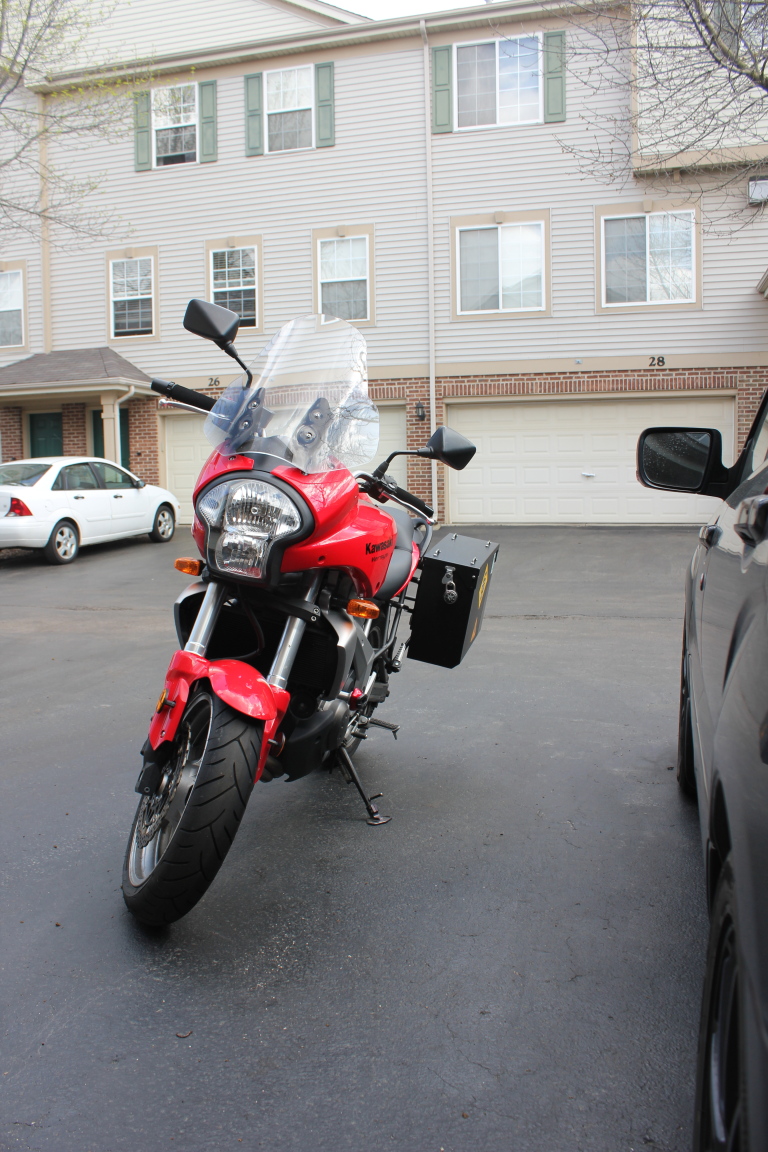
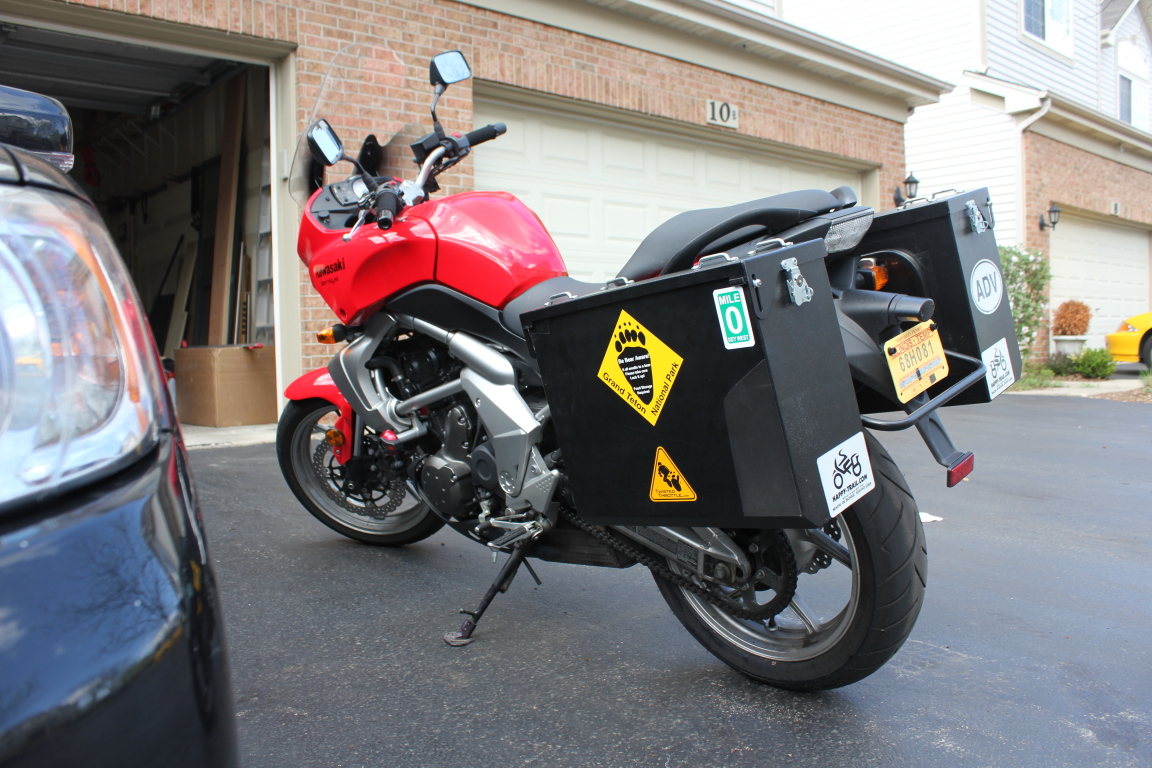
After looking for a while, I decided on a Kawasaki Versys, which is similar to a Ninja 650R, but tailored as a half-touring, half-sport bike with more low end torque and softer suspension.
I visited the local dealer and found one that I liked and that even came with aftermarket accessories that I wanted. However, the price tag was high, at $5999. Since it was still fall, I was in no rush and left.
A few months later, I decided that the best way to part with the 250 was to donate it to Willow Creek Community Church which has a car repair ministry and could sell it for me as a tax write-off. It was still winter, but I decided to look around for deals in the off-peak season.
I returned to the same dealer and found that they still had the Versys that I liked, except this time it was $4999, which was a fair price, but still higher than I wanted. I talked to the sales woman and came right out and said, "I'll take it for $4500 if you can do layaway."
She went to do some math and said she couldn't do it, but then the manager walked by and she asked him. He said, "I can do it for $4500 but only if you pay in full." I said I could pay in full if they would store it for the rest of winter and let me use a credit card. And so, we had a deal. Posted 04/02/2013 09:09 PM in Motorcycles, Ramblings Link To This Blargh |
View/Add
Comments (8)
New Recipe Posted - Tarte Tatin It's been years since I posted a new recipe, but here's a new one! I made a pear tarte tatin for my small group and since some people wanted the recipe, I decided to make another and take pics like I used to. So here's the Tarte Tatin recipe now with HD (1920x1080) images! And here's a quick preview: